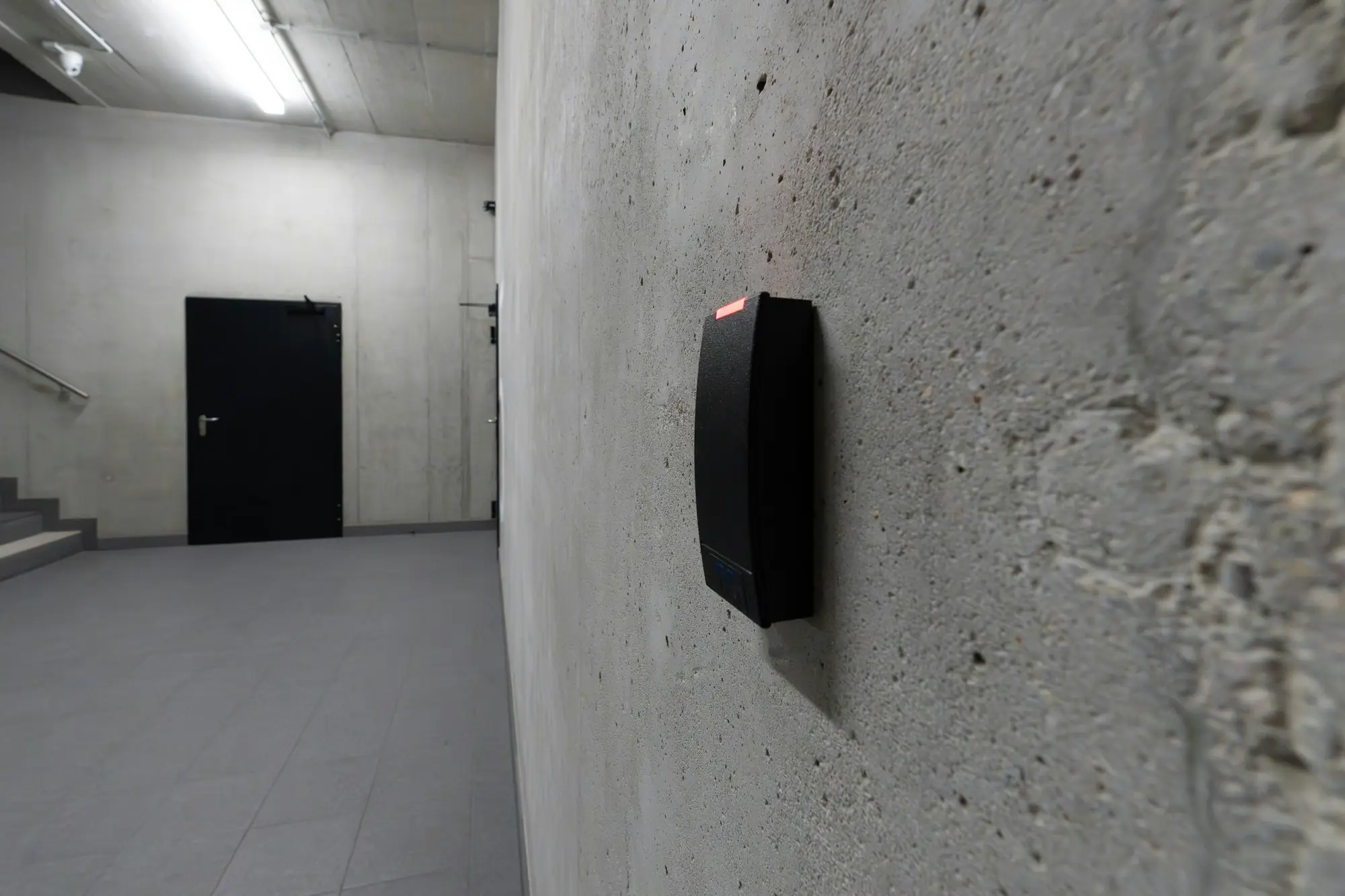
Accounts and accessComes in through: Permissions
More people than necessary can see what they shouldn't
Folders open to everyone, former employees who still have access, shared accounts or too many administrators. The more doors left open, the easier it is for something to go wrong, by mistake or on purpose.
Threat mapHow it happens
The oversight
Permissions are granted as a quick fix and never reviewed. People leave and their accounts stay active.
The opportunity
An account nobody watches or an open folder becomes the easiest way in.
The consequence
Documents end up where they shouldn't, data is deleted or an account is used to attack from inside.
How to spot it
- You're not sure who has access to what
- Accounts of people who no longer work with you
- Passwords shared between several people
- Everyone is an administrator on their own computer
How to protect yourself
- Give each person only the permissions they need
- Have a joiner and leaver process for staff
- Review permissions regularly
- Avoid shared accounts
If it has already happened
Disable accounts that shouldn't exist, change shared passwords and check what was viewed or downloaded. If personal data is affected, consider whether it must be reported.
How we help
 01
Audit
Audit
We check whether this door is open in your company and how to close it.
See the audit 02
Full guide · in Spanish
Gestión de accesos: cómo evitar que un ex-empleado siga viendo tus documentos
Cuando alguien deja la empresa, sus accesos suelen seguir activos semanas o meses. El principio de mínimo privilegio y cuatro pasos para aplicarlo.
Read the guide
How many of these risks does your company have right now?
Take the cybersecurity test and discover your exposure level in 3 minutes. You'll get your score with the highest-risk areas, no sign-up required.
FreeNo sign-up3 minutes